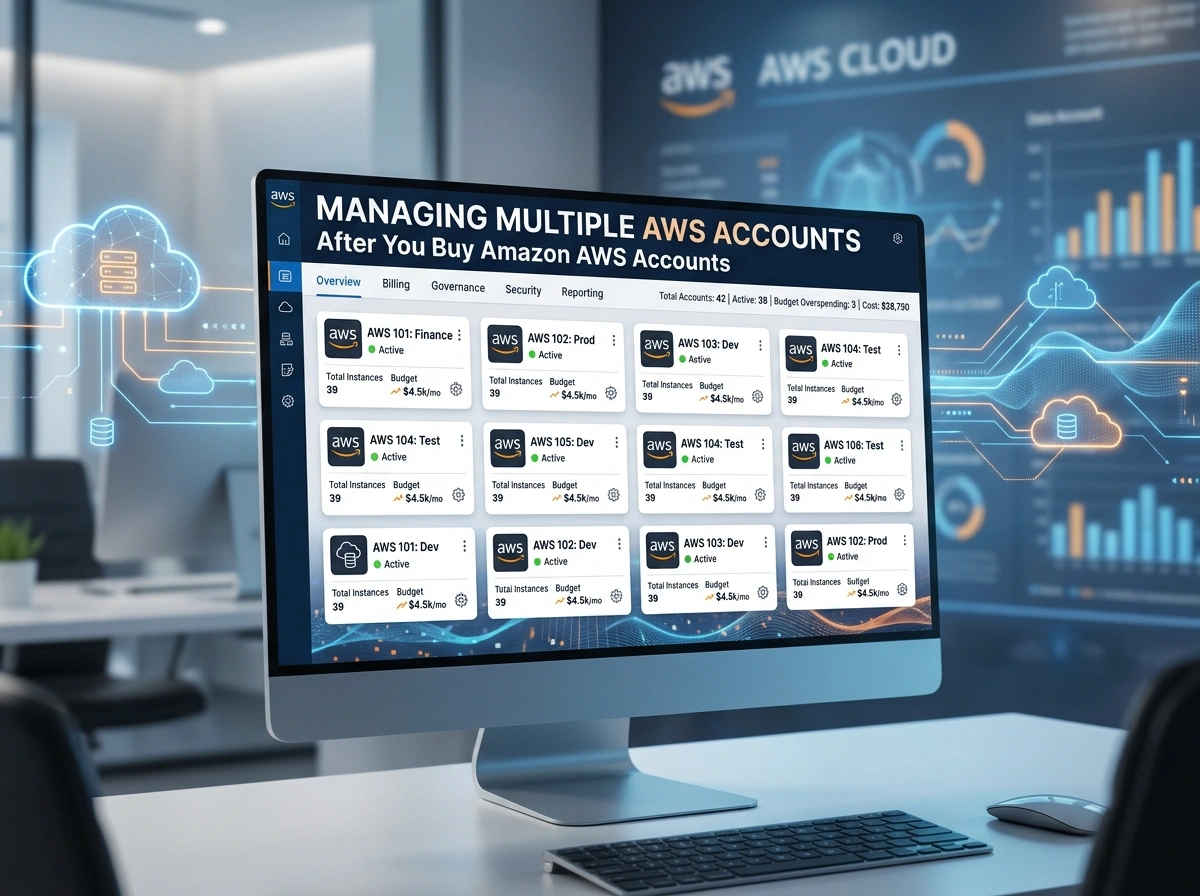

Buying multiple AWS accounts is the easy part. Running them well is where the real work begins. The moment your organization moves from one account to a dozen (or a hundred), you face new questions about security, cost control, and who can touch what. Without a clear strategy, sprawl sets in fast, and so do surprise bills and security gaps.
This guide walks you through how to bring order to multiple AWS accounts. You’ll learn why businesses use more than one account, how to centralize control with AWS Organizations, how to lock down access, and how to keep spending and compliance on track. By the end, you’ll have a practical playbook you can apply right away.
Why Businesses Buy and Use Multiple AWS Accounts
A single AWS account works fine for a small project. But as your workloads grow, one account becomes a liability. Teams step on each other, billing gets murky, and one mistake can ripple across everything you run.
Companies adopt multiple accounts for a few clear reasons:
- Separation of environments: Keep production, staging, and development isolated so a test error never breaks live systems.
- Team and project autonomy: Give each business unit its own space without risking shared resources.
- Blast radius control: A security incident or misconfiguration stays contained within a single account.
- Clearer cost tracking: Each account becomes a natural billing boundary, making it easy to see who spends what.
In short: Multiple accounts reduce risk and bring clarity, but only if you manage them under one consistent structure.
The Benefits of Account Isolation
Account isolation is the strongest boundary AWS offers. Resources, permissions, and quotas don’t bleed across accounts unless you explicitly allow it. That hard wall delivers real advantages.
First, it limits the impact of mistakes. A developer with broad rights in a sandbox account cannot reach your production database. Second, it simplifies compliance. You can hold sensitive, regulated workloads in dedicated accounts with tighter rules. Third, it makes auditing cleaner, since activity in one account stays separate from the rest.
The trade-off is complexity. More accounts mean more things to govern. That’s exactly why you need a central management layer.
Using AWS Organizations to Manage Multiple Accounts
AWS Organizations is the foundation of any multi-account strategy. It lets you group all your accounts under one management (or “root”) account and apply policies from the top down.
Here’s how to set it up effectively:
Create a management account
Designate one account as your management account. Keep it clean. Don’t run workloads here. Use it only for organization-level tasks like account creation, billing, and policy management.
Group accounts into Organizational Units (OUs)
Organizational Units let you cluster accounts that share a purpose, such as “Production,” “Development,” or “Security.” You then apply policies at the OU level, so every account inside inherits the same rules. This saves you from configuring each account by hand.
Follow a logical structure
A common pattern looks like this:
- Security OU for logging and audit accounts
- Infrastructure OU for shared networking and tooling
- Workloads OU split into production and non-production
Takeaway: Organizations turns a messy pile of accounts into a managed hierarchy you can govern in one place.
Setting Up Service Control Policies (SCPs)
Service Control Policies are guardrails. They define the maximum permissions any account or OU can use, no matter what individual users are granted inside that account.
SCPs do not grant access on their own. They set limits. For example, you might use an SCP to:
- Block the use of AWS regions you don’t operate in
- Prevent anyone from disabling CloudTrail or GuardDuty
- Deny the deletion of critical logging buckets
- Restrict access to specific high-cost services
Start with a deny-list approach if you want flexibility, or a tighter allow-list approach for sensitive environments. Always test SCPs in a non-production OU first, since an overly strict policy can lock out legitimate work.
In short: SCPs enforce non-negotiable rules across every account, even from administrators.
Centralized Billing and Cost Management
One of the biggest wins of AWS Organizations is consolidated billing. All member accounts roll up to a single bill in the management account. This gives you one payment, combined usage for volume discounts, and a clear view of total spend.
To keep costs under control:
- Use AWS Cost Explorer to break down spending by account, service, and tag.
- Apply consistent tagging across accounts so you can attribute costs to teams and projects.
- Set AWS Budgets with alerts so you catch overspending early.
- Enable cost allocation tags to make reporting accurate.
- Review Reserved Instances and Savings Plans at the organization level to maximize discounts.
A common mistake is treating each account’s bill in isolation. Look at the whole picture. Centralized cost data helps you spot waste and negotiate better commitments.
Security Best Practices Across Accounts
Security in a multi-account setup is about consistency. Every account should meet the same baseline, no exceptions.
Follow these practices:
- Enable multi-factor authentication (MFA) on all root and privileged users.
- Lock away root credentials. Use them only for tasks that require them, and never for daily work.
- Deploy GuardDuty organization-wide for threat detection across every account.
- Use AWS Security Hub to get a single view of your security posture.
- Standardize baselines with tools like AWS Control Tower, which automates guardrails and account setup.
Think of security as something you apply from the top down, not account by account. AWS Control Tower is especially useful here, as it sets up a secure landing zone with sensible defaults from day one.
IAM Roles and Cross-Account Access
You don’t want separate logins for every account. That approach is hard to manage and easy to get wrong. Instead, use cross-account IAM roles and centralized identity.
The recommended model works like this:
- Set up AWS IAM Identity Center (formerly AWS SSO) as your single sign-on hub.
- Define permission sets that map to job functions, such as “Developer” or “Auditor.”
- Assign those permission sets to users for specific accounts.
- Use IAM roles for cross-account access, where a user assumes a role in a target account rather than holding standing credentials.
This gives you temporary, scoped access that’s far safer than long-lived keys. Always follow the principle of least privilege: grant only the permissions a role truly needs, and review them regularly.
Takeaway: Centralized identity plus assumable roles keeps access secure and easy to audit.
CloudTrail and Logging Strategies
You can’t protect what you can’t see. Logging is essential across every account, and it should feed into one central place.
Set up an organization-wide CloudTrail that records API activity across all accounts. Send those logs to a dedicated, locked-down logging account. This account should be one of the most restricted in your organization, with SCPs that prevent anyone from deleting or altering logs.
For a complete logging strategy:
- Centralize CloudTrail logs in a single S3 bucket within the security account.
- Enable VPC Flow Logs for network visibility.
- Aggregate logs in Amazon CloudWatch or a SIEM tool for analysis.
- Set retention policies that meet your compliance needs.
Centralized, tamper-proof logs are your evidence trail. They support investigations, audits, and incident response.
Tips for Governance and Compliance
Governance ties everything together. It’s the set of rules and checks that keep your environment consistent as it grows.
Keep these practices in mind:
- Use AWS Config to track resource changes and check compliance against rules automatically.
- Adopt AWS Control Tower to enforce guardrails and provision new accounts with consistent settings.
- Document your account structure so new team members understand the layout.
- Automate account creation with templates so every new account starts compliant.
- Run regular reviews of permissions, costs, and security findings.
The goal is to make the secure, compliant path the easy path. When good defaults are built in, teams stay aligned without constant manual oversight.
Conclusion
Managing multiple AWS accounts comes down to one idea: centralize control while preserving isolation. AWS Organizations gives you the structure. SCPs enforce your guardrails. Consolidated billing keeps spending visible. Centralized identity and cross-account roles keep access tight. And organization-wide logging gives you the visibility you need to stay secure and compliant.
Start with these concrete steps:
- Set up AWS Organizations with a clean management account and logical OUs.
- Deploy AWS Control Tower to establish a secure landing zone.
- Apply SCPs and standardize security baselines across all accounts.
- Centralize identity with IAM Identity Center and cross-account roles.
- Consolidate billing and logging, then review them on a regular schedule.
Get this foundation right, and your multi-account environment becomes a strength rather than a source of risk. The accounts you bought are just the beginning. The way you govern them is what delivers real value.
Please visit website for more info.